AI bet slip analyzer: how to check a screenshot with Statr
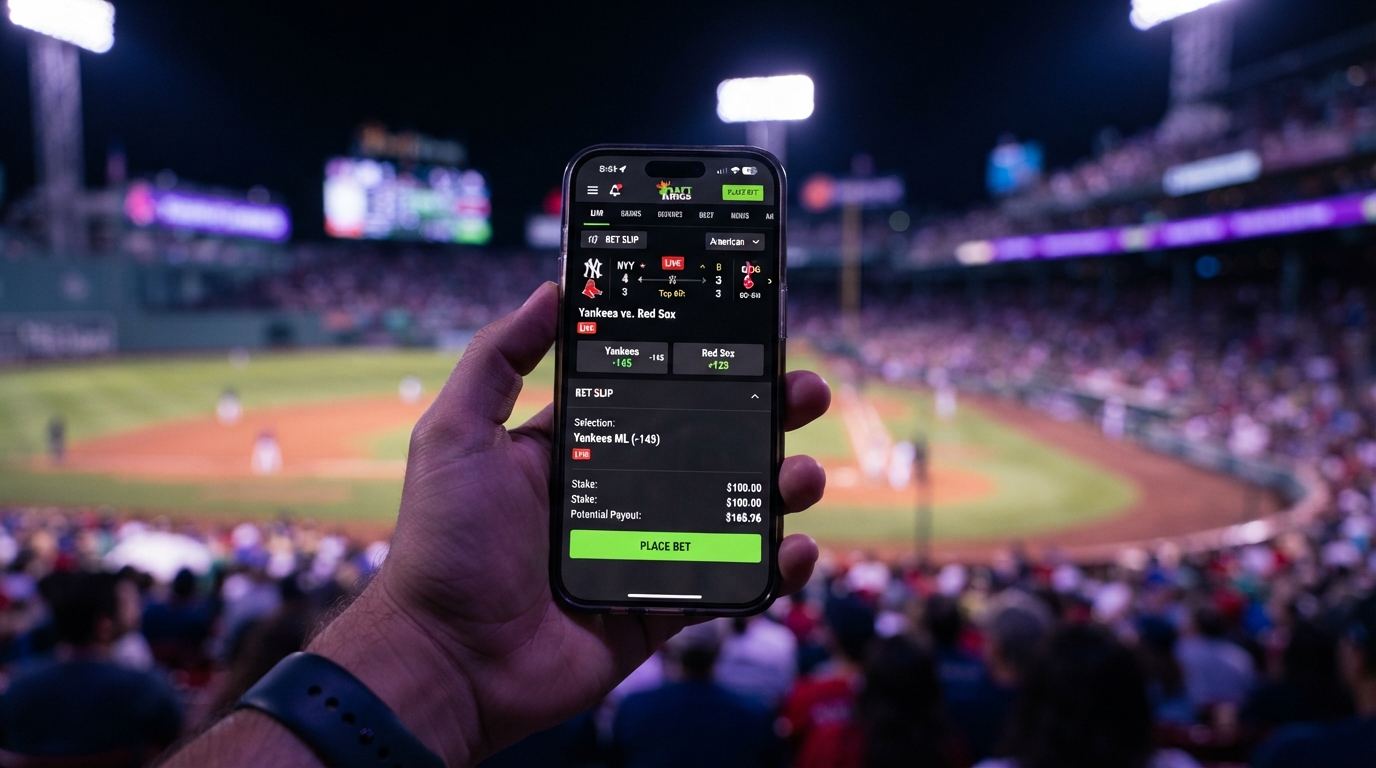
An AI bet slip analyzer reads the selections in a screenshot and helps explain the research behind them. With Statr, the important sequence is upload, confirm, analyze, and ask follow-up questions.
Confirming the extracted selections matters. A misread line, player name, or game date changes the question being analyzed. Statr helps you investigate the bet; it does not place it or guarantee the outcome.
What should be visible in the screenshot?
Include the team or player, market, selected side, line, and odds when available. Keep the game date or opponent visible where possible. A screenshot that only shows a payout or a shortened player name may not provide enough information.
Crop away account balances, usernames, and other personal details that are not needed for the analysis. Keep the text readable and avoid cutting off selections at the edges. You do not need to place a wager to research it.
Step 1: open Statr and upload your image
Open the Statr web app and use the chat's image attachment control. Upload the screenshot you want to review. Access and usage depend on the account and plan shown in the app.
If the image cannot be uploaded or read, try a clearer image or type the missing selection details. A failed extraction is a reason to correct the input, not to guess what the ticket contains.
Step 2: confirm the selections Statr read
Review the extracted information before continuing to full analysis. Check every player or team, market, side, line, and price. Supply missing dates, opponents, or odds when asked.
Here is an illustrative confirmation checklist, not a real ticket or a Statr prediction:
| Field | Example to verify | Why it matters |
|---|---|---|
| Event | Home team vs. away team on the intended date | The same teams can meet more than once |
| Market | Player assists | Assists and points are different markets |
| Selection | Over 5.5 | Over 4.5 asks a different question |
| Price | -115 | Price affects the break-even threshold |
| Period | Full game | First-half and full-game statistics are not interchangeable |
Correct anything that does not match your screenshot, then confirm the selections. A successful image read only means the selection was identified; it does not mean the wager has a favorable price.
Step 3: review the evidence and the risks
Statr's supported matchup-analysis workflow covers MLB, NBA, and NFL. The information available varies by sport, game, and market. A useful breakdown can discuss matchup context, historical performance, current role, market information, and material uncertainty when those inputs are available.
Read the explanation rather than stopping at the final signal. Ask:
- Which facts support the assessment?
- Which facts point the other way?
- Are the lineup, availability, and price current enough for this question?
- Is the answer using the exact line I confirmed?
- What important information is missing?
Follow the cited sources where provided. A source link helps you inspect a claim; it does not make every interpretation correct.
Step 4: interpret confidence correctly
Confidence describes the support for an analysis and its uncertainty. It is not a verified chance of winning. Do not convert a label into a percentage or use an AI-generated percentage as an established probability.
Strong reasoning can still lead to a losing outcome. Missing data, a changed price, or late news can also weaken an earlier assessment. Our methodology page explains these limits.
Step 5: ask a useful follow-up
Try questions that expose assumptions:
- “Which missing information matters most for this selection?”
- “What would change if the player has fewer minutes?”
- “Does your explanation still apply at the new line?”
- “Are any of these selections dependent on the same game scenario?”
For a parlay, reviewing each leg is not the same as establishing a probability for the entire ticket. Related legs may be correlated. Do not multiply confidence labels to invent a parlay win probability.
Common questions
Do I need to connect a sportsbook account?
No. The screenshot workflow uses the image you provide. Statr does not need your sportsbook credentials and does not place the wager.
Can Statr read every screenshot perfectly?
No. Small text, overlapping selections, unfamiliar layouts, and cropped images can cause mistakes. Confirming the extracted selections is part of the process.
How long does analysis take?
Timing varies with the request, image quality, available information, and service conditions. There is no fixed completion time promised in this guide.
Does a positive signal mean I should bet?
No. A signal is an analytical assessment. Choosing not to wager remains an option, especially when the information or price is unclear.
Research the ticket before making a decision
Open Statr to upload a screenshot and review the selections. For more background, read our player-prop research guide and expected-value explainer.
Statr provides sports analysis and information. It does not guarantee outcomes or place bets. For adults 21+. Gambling support.
Run your next bet through Statr
Find the next play, check the risk, and back it with stats — before you place it.